What Is the Best Premium Link Generator to Buy in 2026?
Downloading files from premium file-hosting services can become frustrating when you're using a free account.
Waiting timers, bandwidth restrictions, slow download speeds, limited connections, and interrupted downloads can make even a simple download unnecessarily complicated.
A premium link generator provides another way to access supported file-hosting links by processing the original URL and generating a direct download link.
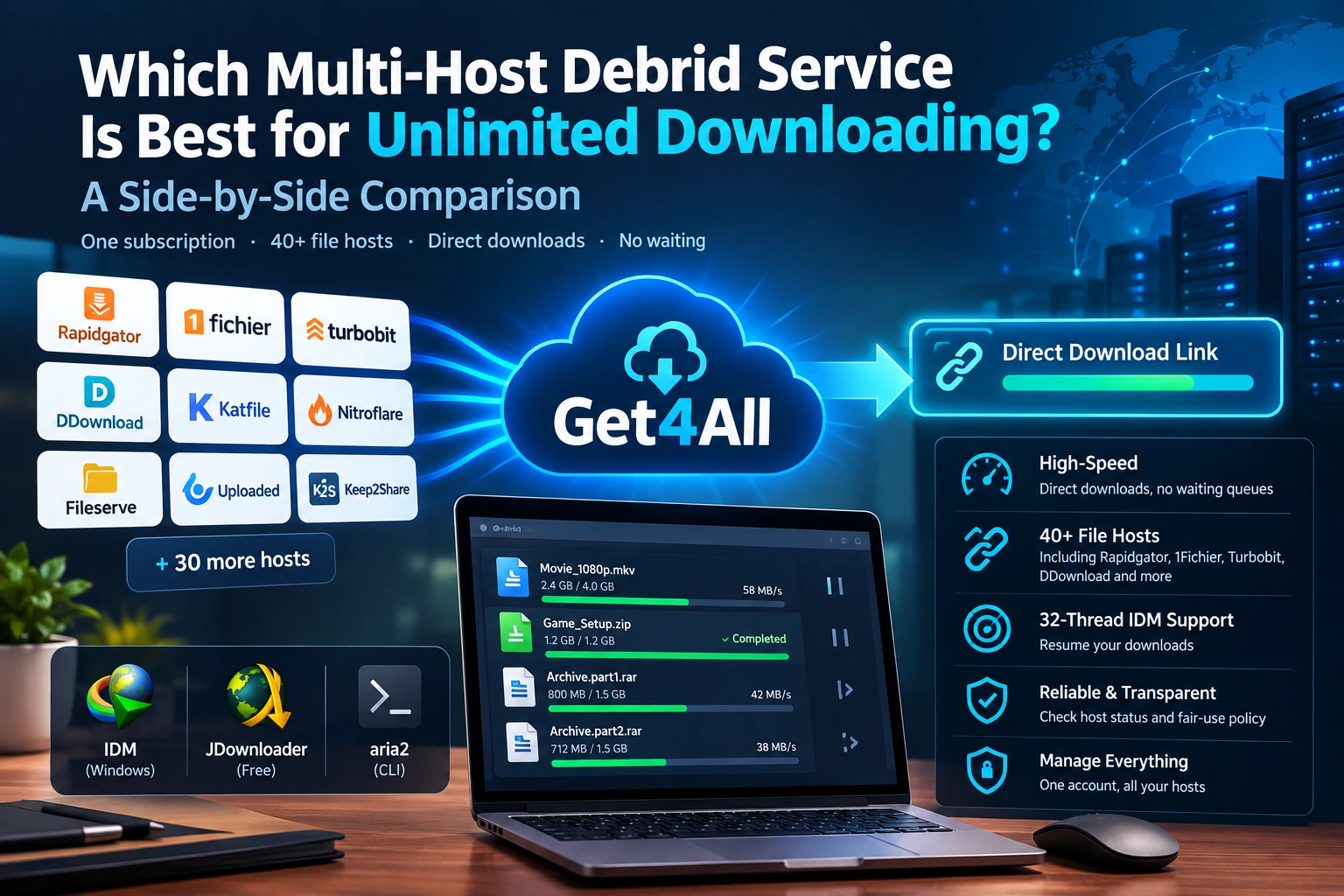
Instead of maintaining separate premium subscriptions for every file host, users can use a multi-host service such as Get4All to access supported hosts through a single platform.
But which premium link generator should you buy?
The answer depends on more than just the number of supported file hosts.
Download speed, reliability, HTTP resume support, download-manager compatibility, host availability, pricing, and the quality of the network infrastructure all matter.
Quick Answer: Which Premium Link Generator Should You Choose?
If your main priority is downloading from multiple file hosts while using tools such as IDM, JDownloader, or Aria2, Get4All is designed around exactly this type of workflow.
Get4All combines:
- Multi-host downloading
- High-speed download infrastructure
- Multi-gigabit network routing
- 32-thread HTTP downloading
- HTTP resume support
- IDM compatibility
- JDownloader compatibility
- Aria2 compatibility
- Private download mode
- Automatic failover
The important thing is not simply having a long list of supported hosts.
The real value of a premium link generator is whether it can consistently turn supported file-host links into usable, fast, and resumable downloads.
What Is a Premium Link Generator?
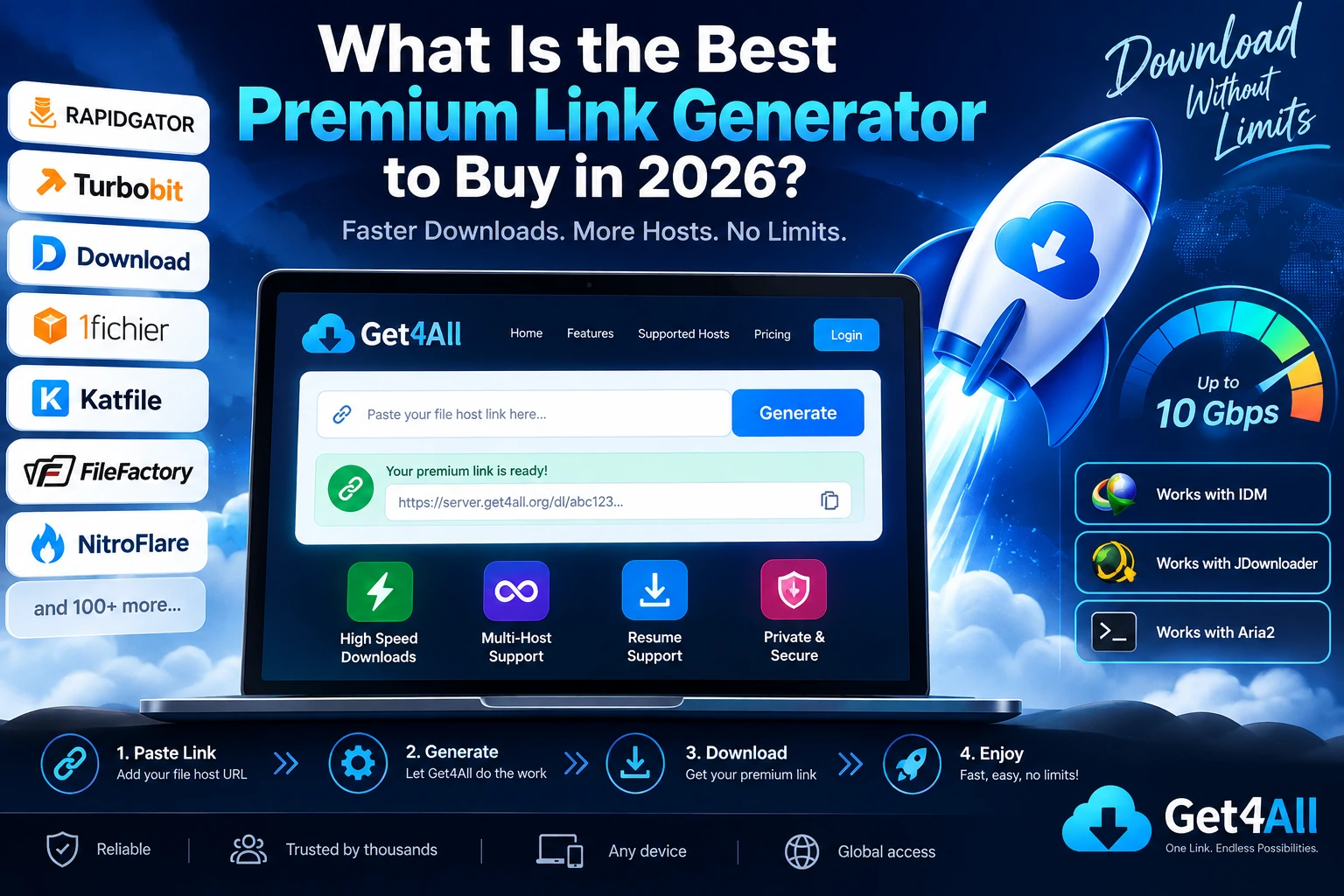
A premium link generator is a service that accepts a link from a supported file-hosting website and creates a premium or direct download session.
The basic workflow is simple:
Original File Host
       ↓
Paste URL into Get4All
       ↓
Get4All processes the link
       ↓
Premium / Direct Download URL
       ↓
Browser / IDM / JDownloader / Aria2
This can remove many of the limitations associated with free file-host accounts.
Depending on the file host and service, users may be able to avoid:
- Waiting timers
- Free-user speed restrictions
- Download queues
- Limited simultaneous downloads
- Repeated captcha pages
- Some free-account bandwidth restrictions
However, no premium link generator can guarantee that every host will always work. File-host APIs, account restrictions, maintenance, and server availability can change.
That's why real host availability is more important than simply advertising a large number of supported hosts.
Why Use a Multi-Host Premium Link Generator?
Imagine you regularly download files from several different file hosts.
Without a multi-host service, you may need separate subscriptions:
Rapidgator Premium
        +
DDownload Premium
        +
Turbobit Premium
        +
1Fichier Premium
        +
Other Host Premium
That quickly becomes inconvenient.
A multi-host service provides a different approach:
Rapidgator ──┐
DDownload ───┤
Turbobit ────┤
1Fichier ────┼──> Get4All ──> Direct Download
Other Hosts ─┘
Instead of managing several premium accounts, you have one interface for supported services.
This is particularly useful for users who don't know which file host will be used before finding a download.
What Makes a Good Premium Link Generator?
Not all premium link generators are equal.
Before buying a subscription, look at these seven factors.
1. Supported File Hosts
First, check whether the service supports the hosts you actually use.
Popular file hosts may include:
- Rapidgator
- DDownload
- Turbobit
- 1Fichier
- KatFile
- FileFactory
- Uploady
- HitFile
- Drop.Download
- and many others
But host lists can change.
A provider can also temporarily disable a host because of API problems, maintenance, account limitations, or other technical issues.
Don't choose a service simply because it claims to support hundreds of hosts.
Check whether your specific hosts are currently operational.
2. Real-World Download Speed
A premium link generator should provide more than just a working link.
Speed matters.
Especially if you have a fast connection.
For example, someone with a 1 Gbps internet connection will quickly notice the difference between:
10 MB/s
50 MB/s
100 MB/s+
However, maximum advertised bandwidth isn't the same thing as guaranteed download speed.
Actual performance depends on:
- Original file host
- Get4All server
- Network routing
- Server load
- Your ISP
- Geographic location
- Number of connections
- File size
That's why independent testing is more useful than simply comparing advertised bandwidth numbers.
3. HTTP Resume Support
This is one of the most important features for large downloads.
Imagine downloading a 15 GB file and reaching 95%.
Then your connection drops.
Without proper resume support, you may need to start again.
With HTTP range/resume support, a compatible download manager can continue downloading from the point where the transfer stopped.
This makes a major difference for:
- 5 GB+ files
- 10 GB+ archives
- Large video files
- Software packages
- Backups
- Datasets
Get4All is designed with HTTP resume and multi-threaded downloading in mind.
4. IDM Compatibility
Many Windows users rely on Internet Download Manager (IDM) for large downloads.
IDM can divide downloads into multiple connections and resume interrupted transfers when the server supports the required HTTP functionality.
A useful premium link generator should therefore work smoothly with the normal IDM workflow:
File Host URL
     ↓
Get4All
     ↓
Generated Download URL
     ↓
IDM
     ↓
Multi-connection Download
This is especially useful for users with high-speed internet connections.
5. JDownloader Compatibility
JDownloader 2 is another popular option for users who frequently download from file-hosting services.
Instead of manually processing every download, users can send generated URLs into their download queue.
This becomes particularly useful when downloading:
- Multiple files
- Large archives
- Multiple file-host URLs
- Large batches
Get4All's compatibility with common download-manager workflows makes it suitable for users who don't want to depend entirely on browser downloads.
6. Aria2 Support
For advanced users, Aria2 provides another option.
Aria2 is a lightweight command-line download utility capable of multi-connection HTTP/HTTPS downloads.
A premium link generator that provides standard direct URLs can therefore fit into automated workflows.
For example:
Get4All
   ↓
Generated URL
   ↓
Aria2
   ↓
Multi-connection download
This can be particularly useful for Linux servers, NAS systems, automation scripts, and power users.
7. Automatic Failover
One problem with multi-host downloading is that infrastructure can occasionally fail.
A host might experience:
- API errors
- Connection failures
- Temporary overload
- Maintenance
- Premium-account problems
- Routing issues
Automatic failover can help the service switch to another available route or processing path when possible.
For users downloading large files, this can be more important than a flashy maximum-speed number.
Get4All: Built for High-Speed Multi-Host Downloads
Get4All takes the multi-host concept and focuses on the part that matters most to heavy downloaders:
getting the file downloaded quickly and reliably.
Its feature set is designed around users who want more control over their download workflow.
Get4All highlights
| Feature | Get4All |
|---|---|
| Multi-host downloading | ✓ |
| High-speed routing | ✓ |
| Multi-gigabit infrastructure | ✓ |
| HTTP resume | ✓ |
| 32-thread HTTP | ✓ |
| IDM | ✓ |
| JDownloader | ✓ |
| Aria2 | ✓ |
| Private mode | ✓ |
| Automatic failover | ✓ |
Note: Feature availability can depend on the specific host and current service conditions. Always check the current Get4All documentation/status page before purchasing.
Get4All vs Buying Individual Premium Accounts
There are two fundamentally different approaches to premium downloading.
Option 1 — Individual premium accounts
You purchase an account for every file host you use.
For example:
Rapidgator → Rapidgator Premium
DDownload  → DDownload Premium
Turbobit   → Turbobit Premium
1Fichier   → 1Fichier Premium
This can work well if you only use one particular host.
Option 2 — Multi-host service
You use one service for multiple supported hosts.
Rapidgator ──┐
DDownload ───┤
Turbobit ────┤
1Fichier ────┼──> Get4All
KatFile ─────┤
Other Hosts ─┘
This can be more convenient for users who frequently encounter different hosts.
Who Should Use Get4All?
Get4All is particularly relevant for users who:
Download large files
If your downloads are regularly several gigabytes in size, resume support and multi-thread downloading become increasingly useful.
Use multiple file hosts
You don't want to maintain separate premium accounts for every host.
Have a fast internet connection
A high-speed connection is much more useful when the download infrastructure can take advantage of it.
Use IDM or JDownloader
If you already use a download manager, generated direct links can fit naturally into your workflow.
Need automated downloads
Aria2 compatibility can make the service useful for more technical workflows.
How to Use Get4All
Using a premium link generator doesn't need to be complicated.
Step 1 — Copy your file-host URL
For example:
https://example-filehost.com/file/xxxxxxxx
Step 2 — Open Get4All
Go to the Get4All premium link generator.
Step 3 — Paste the URL
Paste the supported file-host URL into the generator.
Step 4 — Generate the link
Get4All processes the URL and generates an available download link.
Step 5 — Download
You can download through your browser or send the generated URL to a compatible download manager such as IDM, JDownloader, or Aria2.
How to Test a Premium Link Generator
Don't rely entirely on marketing claims.
If you're comparing premium link generators, perform your own tests.
Test #1 — Download Speed
Use the same file and compare the average download speed.
Same File
Same Host
Same Network
       ↓
Service A
Service B
Get4All
       ↓
Compare Average Speed
Test #2 — Large File
Try a file of at least several gigabytes.
Measure:
- Average speed
- Stability
- Completion time
- Connection errors
Test #3 — Resume
Start a download.
Pause it.
Restart it.
Check whether it continues rather than starting from zero.
Test #4 — Download Manager
Try the generated URL with:
- IDM
- JDownloader 2
- Aria2
Test #5 — Multiple Hosts
Don't test only one provider.
Try several file hosts that you actually use.
This produces a much more realistic picture of the service.
Premium Link Generator Comparison
When comparing Get4All with other services, don't focus on one metric.
A useful comparison should include:
| Criteria | Why It Matters |
|---|---|
| Supported hosts | Determines whether your links can be processed |
| Speed | Determines actual download performance |
| Resume | Prevents restarting large downloads |
| IDM | Useful for Windows users |
| JDownloader | Useful for batch downloads |
| Aria2 | Useful for automation/server users |
| Host limits | Determines how much you can download |
| Reliability | Determines how often downloads succeed |
| Pricing | Determines overall value |
| Payment methods | Important for international users |
| Privacy | Important for sensitive downloads |
This approach also makes the article more useful for searchers than simply publishing a list of “top” services.
Is a Premium Link Generator Worth It?
For occasional downloads, a premium link generator may not be necessary.
But if you regularly download large files from multiple file-hosting platforms, the convenience can become significant.
Instead of dealing with:
Slow downloads → waiting → captcha → speed limits → separate premium accounts
the workflow becomes:
Paste → Generate → Download
That's the core value proposition of a multi-host premium link generator.
Get4All for Power Downloaders
For users who download large files frequently, the difference isn't just about generating a link.
The complete workflow matters.
Get4All is designed around:
Multi-host access + high-speed routing + multi-thread HTTP + resume support + download-manager compatibility.
That combination makes it suitable for users who want more than simply removing a waiting timer.
Whether you're downloading a 500 MB file or a multi-gigabyte archive, the same basic workflow applies.
Frequently Asked Questions
What is the best premium link generator in 2026?
The right service depends on your file hosts, download volume, speed requirements, supported download managers, limits, and pricing.
Get4All is designed for users looking for a high-speed multi-host download workflow with HTTP resume and multi-thread support.
What is the best premium link generator for Rapidgator?
Look for a service that currently supports Rapidgator and provides the speed, limits, resume support, and download-manager compatibility you need.
Always verify the host's current status before purchasing.
Can I use IDM with a premium link generator?
Yes, premium link generators that provide compatible HTTP download URLs can be used with IDM. Actual multi-thread and resume behavior depends on the generated link and the underlying host.
Can I use JDownloader with Get4All?
Get4All is designed to work with common download-manager workflows, including JDownloader. Compatibility can depend on the specific generated link and host.
Does a premium link generator work with every file host?
No. Every service has its own supported-host list, and availability can change.
Does a premium link generator make downloads unlimited?
Not necessarily.
“Unlimited” can mean different things depending on the provider. Individual hosts may still have bandwidth, account, fair-use, or technical restrictions.
Always read the current plan terms.
Is a premium link generator faster than a free file-host account?
It can be, particularly when the original host applies free-user speed restrictions. Actual performance depends on the host, premium service, network route, and your internet connection.
Final Verdict: What Should You Look For?
Instead of asking only:
“Which premium link generator has the most hosts?”
ask:
“Which service works best with the hosts and download workflow I actually use?”
For heavy downloaders, important features include:
- Multi-host support
- High-speed infrastructure
- Stable routing
- HTTP resume
- Multi-thread downloading
- IDM compatibility
- JDownloader compatibility
- Aria2 support
- Reliable host availability
- Transparent limits
- Convenient pricing
Get4All is built around these requirements, making it a natural option for users looking for a high-speed multi-host download service.